Base64 Encoder / Decoder Online
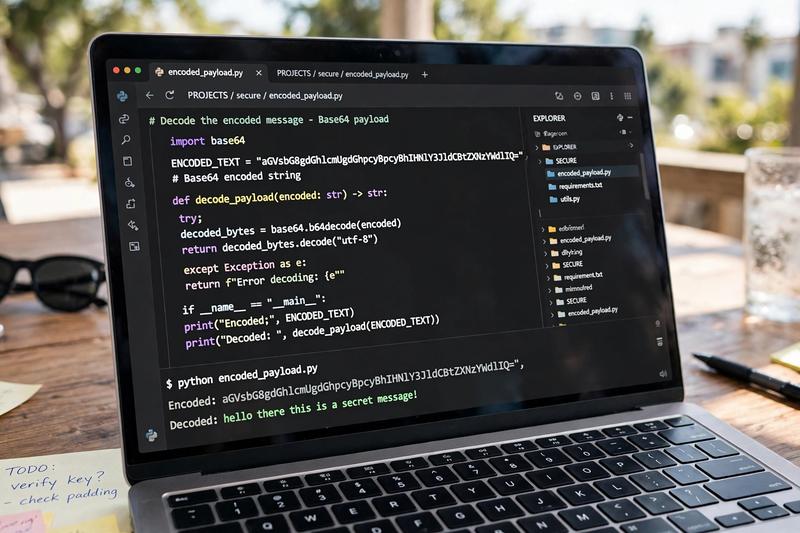
Text to Base64 and back, with correct Unicode handling — Urdu, emoji and all. URL-safe mode, padding control, byte lengths shown, and small files to Base64. Base64 is encoding, not encryption — anyone can decode it, so never use it to hide a password or a secret. Everything happens in your browser; nothing is uploaded or stored.
Encode or decode
Enter some text or Base64.
Result
Enter some text or Base64 and press Encode / Decode.
How this tool works
Encoding. The text is first turned into UTF-8 bytes, then those bytes are written as Base64 — so Urdu, Arabic, Chinese and emoji all round-trip exactly, with no mojibake.
URL-safe. Replaces + with - and / with _, the form that can sit safely inside a web address. Decoding accepts both forms, with or without padding.
Padding. Base64 normally ends with one or two = signs to fill the last group. Stripping them is common in URLs and tokens; the decoder adds missing padding back itself.
Files. A file up to 5 MB is read in your browser and encoded to Base64. Larger files are refused, because the whole result would have to sit in memory.
Privacy. Calculation happens entirely in your browser. Nothing is uploaded, stored or shared.
Limits. Base64 is encoding, not encryption — it does not protect anything.
How to use
- Enter your details in the boxes above: Text or Base64, Mode, URL-safe.
- Use the base64 encoder / decoder online controls to adjust any options the tool offers.
- Press Encode / Decode or change a value, and the result updates on the page.
- Check the result, then copy, download or print it using the buttons shown, if the tool offers them.
About this tool
This base64 encoder / decoder online is a free tool that works directly in your browser, with no sign-up and nothing to install. The text is first turned into UTF-8 bytes, then those bytes are written as Base64 — so Urdu, Arabic, Chinese and emoji all round-trip exactly, with no mojibake. Replaces + with - and / with _, the form that can sit safely inside a web address. Decoding accepts both forms, with or without padding. People search for it as "base64 decoder online", "base64 encoder decoder online free", "base64 encode online", and this page covers those uses in one place. Because everything runs on your own device, your input is not uploaded to a server, which keeps the tool fast and private.
Frequently asked questions
Is this base64 encoder / decoder free?
Yes. This base64 encoder / decoder online free tool costs nothing and needs no account. Open the page, enter your input and the result appears at once, with no limits on normal use.
Do I need to sign up to use the Base64 Encoder / Decoder?
No sign-up is needed. The tool runs in your browser and your input is never uploaded, stored or shared, so you can use it privately in seconds.
How do I use this base64 encoder / decoder online?
Follow the short steps above: enter your details in the boxes, adjust any options, and read the result on the page. Most results can then be copied or downloaded with the buttons shown.
What should I know about encoding?
The text is first turned into UTF-8 bytes, then those bytes are written as Base64 — so Urdu, Arabic, Chinese and emoji all round-trip exactly, with no mojibake.
What should I know about url-safe?
Replaces + with - and / with _, the form that can sit safely inside a web address. This is handled automatically by the Base64 Encoder / Decoder, so you do not need to work it out by hand.
Related tools
- Text to Binary Converter
- Decimal to Fraction Converter
- Color Converter
- JSON to CSV Converter
- CSV to JSON Converter
- XML Formatter
All tools — browse all 200 free tools on the homepage.