Password Strength Checker Online
Free, no sign-up, instant — how strong is your password, really? Type it here and find out — checked entirely in your browser. It is never sent, saved or stored anywhere.
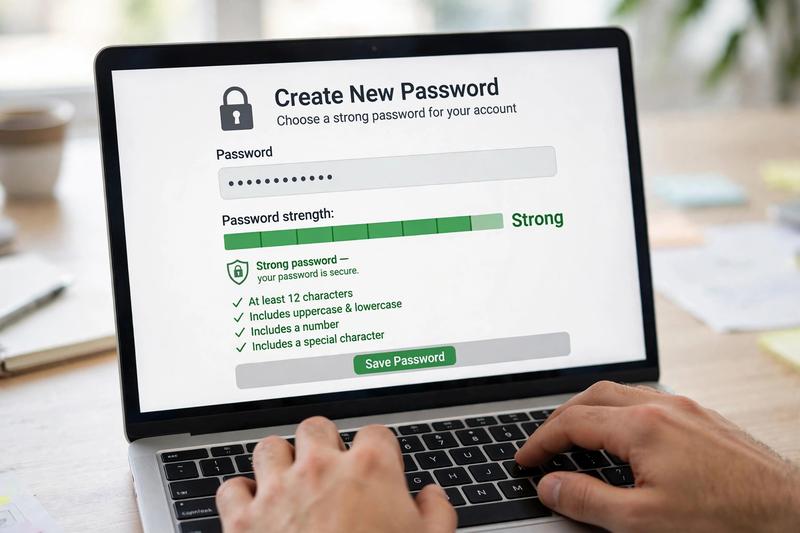
Check a password
Type a password to check it.
Result
Your score, checks and crack-time estimate appear here as you type.
Score
0 / 100
—
Checks
How long would it take to guess?
How to make it stronger
How this tool works
Scoring. The score (0–100) is worked out from length, the mix of character types, and how many different characters you used — then reduced for every weakness found: a password on the common list, repeated characters, sequences like 123 or abc, keyboard walks like qwerty, years, or your own name inside the password. The same password always gets the same score.
Common passwords. The tool checks your password against a built-in list of the most common passwords, and against common bases with numbers added (like password123). If it matches, the score is capped very low — no matter how it looks, a known password is a weak password.
Crack time. The estimate uses the password's real entropy and three typical attack speeds: online guessing (10 tries a second), an offline attack on a fast hash (10 billion tries a second) and an offline attack on a slow hash (10,000 tries a second). These are estimates — a password that was already leaked somewhere can be instant, whatever its score.
Privacy. Checking happens entirely in your browser. Your password is never transmitted, stored or logged, and this page makes no network request at all while you type. This tool does not check breach databases, because that would mean sending your password somewhere.
Limits. Strength is an estimate. It cannot know whether a password was already leaked, reused on another site, or seen by someone looking over your shoulder.
How to use
- Enter your details in the boxes above: Password, Your name or username.
- Use the password strength checker online controls to adjust any options the tool offers.
- Press Show or change a value, and the result updates on the page.
- Check the result, then copy, download or print it using the buttons shown, if the tool offers them.
About this tool
This password strength checker online is a free tool that works directly in your browser, with no sign-up and nothing to install. The score (0–100) is worked out from length, the mix of character types, and how many different characters you used — then reduced for every weakness found: a password on the common list, repeated characters, sequences like 123 or abc, keyboard walks like qwerty, years, or your own name inside the password. The same password always gets the same score. The tool checks your password against a built-in list of the most common passwords, and against common bases with numbers added (like password123). People search for it as "password strength checker online free", "best password strength checker", "password checker online free", and this page covers those uses in one place. Because everything runs on your own device, your input is not uploaded to a server, which keeps the tool fast and private.
Frequently asked questions
Is this password strength checker free?
Yes. This password strength checker online free tool costs nothing and needs no account. Open the page, enter your input and the result appears at once, with no limits on normal use.
Do I need to sign up to use the Password Strength Checker?
No sign-up is needed. The tool runs in your browser and your input is never uploaded, stored or shared, so you can use it privately in seconds.
How do I use this password strength checker online?
Follow the short steps above: enter your details in the boxes, adjust any options, and read the result on the page. Most results can then be copied or downloaded with the buttons shown.
What should I know about scoring?
The score (0–100) is worked out from length, the mix of character types, and how many different characters you used — then reduced for every weakness found: a password on the common list, repeated characters, sequences like 123 or abc, keyboard walks like qwerty, years, or your own name inside the password.
What should I know about common passwords?
The same password always gets the same score. This is handled automatically by the Password Strength Checker, so you do not need to work it out by hand.
Related tools
- Word Counter
- Character Counter
- Case Converter
- Remove Duplicate Lines
- Text Reverser
- Lorem Ipsum Generator
All tools — browse all 200 free tools on the homepage.